
A privacy-first website is not just a legal decision. It is a performance decision, a trust decision, and a brand decision.
In 2026, a business website should load fast, explain clearly, collect less data, and still convert. The old approach of adding more scripts, more popups, more tracking, and more plugins creates the opposite result.
Quick Answer: What Is a Privacy-First Website?
A privacy-first website minimizes unnecessary data collection, uses lightweight infrastructure, avoids surveillance-based analytics by default, protects form submissions, documents consent clearly, and gives visitors a fast, trustworthy experience.
Why Privacy and Performance Are Connected
Most slow websites are slow because they carry too much baggage:
- Ad pixels
- Heatmap tools
- Chat widgets
- Plugin scripts
- Consent banners
- Tag managers
- Embedded social feeds
- Heavy page builders
Many of those tools exist to track people, not to help them. Removing unnecessary tracking often improves speed immediately.
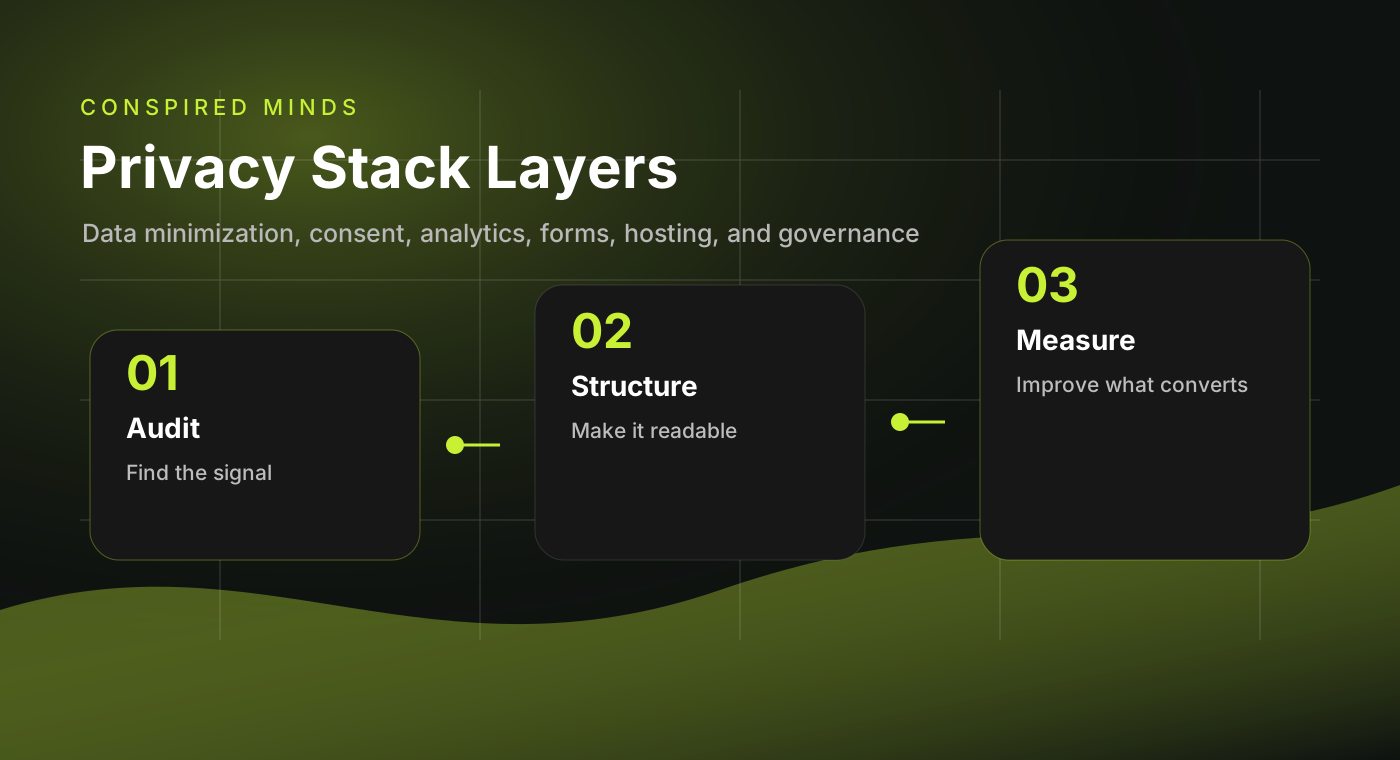
The Privacy-First Stack
| Layer | Better choice | What to avoid |
|---|---|---|
| Analytics | Plausible, Fathom, Simple Analytics, or server logs. | Default Google Analytics plus ad pixels everywhere. |
| Forms | Secure backend, spam controls, minimal fields, clear routing. | Random form plugins storing sensitive leads indefinitely. |
| Hosting | Static delivery, CDN, strong TLS, limited attack surface. | Bloated shared hosting with unmanaged plugins. |
| Consent | Collect only what needs consent and explain it clearly. | Banner theater that still tracks users before consent. |
| Content | Clear pages, helpful FAQs, transparent claims. | Vague marketing copy and hidden policies. |
Website Privacy Checklist
- ☐ Remove trackers that do not directly support a business decision
- ☐ Replace surveillance analytics with privacy-friendly analytics
- ☐ Audit every third-party script
- ☐ Use secure form handling
- ☐ Collect only fields you actually need
- ☐ Add clear privacy and terms pages
- ☐ Avoid loading ad pixels by default
- ☐ Compress and localize images
- ☐ Use accessible forms and labels
- ☐ Keep software dependencies minimal
- ☐ Add security headers where possible
- ☐ Review data retention policies quarterly
Performance Checklist
A privacy-first website should also be fast.
Aim for:
- Lighthouse Performance: 90+
- Accessibility: 95+
- Best Practices: 95+
- SEO: 95+
- Largest Contentful Paint under 2.5 seconds
- Cumulative Layout Shift under 0.1
- Total Blocking Time under 200ms
These numbers are not vanity metrics. They reflect whether visitors can actually use the site.
What to Remove First
Start with the highest-cost, lowest-value items.
1. Unused tracking scripts
If nobody reviews a dashboard, remove the script.
2. Legacy plugins
Old plugins add security risk and performance weight.
3. Duplicate analytics
Many sites run Google Analytics, a heatmap tool, a CRM pixel, Meta Pixel, LinkedIn Insight Tag, and a tag manager without a clear measurement plan.
4. Heavy page-builder assets
A simple landing page should not ship hundreds of kilobytes of unused JavaScript.
What to Keep
Privacy-first does not mean anti-marketing. Keep tools that clearly support conversion or operations.
Good reasons to keep a tool:
- It measures a defined KPI
- It supports a campaign currently running
- It improves accessibility or usability
- It protects against spam or abuse
- It routes leads correctly
- It has a clear owner
FAQ
Will removing trackers hurt marketing?
Not if you replace them with better measurement. Most businesses need clean conversion tracking, not endless behavioral surveillance.
Can a privacy-first website still run ads?
Yes. You can run ads with landing pages, UTM tracking, CRM attribution, and consent-aware pixels. The point is to be deliberate.
Is WordPress bad for privacy?
No. WordPress can be configured well, but it often becomes bloated because plugins are easy to add and hard to govern.
What is the best analytics tool for privacy?
For many small businesses, Plausible or Fathom is enough. More complex businesses may need server-side analytics or a consent-aware analytics stack.
Strategic Advice
A faster, simpler, more private website feels better because it is better. Visitors do not need to know every technical detail. They feel the speed, clarity, and restraint.